MediNet 2.0.1 at a glance
The researcher works in MediNet Hub; each institution controls its datasets and permissions in MediNet Node. The refreshed Hub combines a sidebar, project selector, dataset cards, visual designers and training dashboards.
This edition describes the 2.0.1 source snapshot. Availability below means that a UI or code path exists in this snapshot; it does not mean every workflow has been validated in a deployed federation.
A new Hub workspace
The sidebar gives access to Dashboard, Datasets, Model Studio and Federated Training. The top bar provides project context, notifications and the user menu. First-time users see an onboarding dashboard; a Node connection unlocks the dataset, model and training workflow.
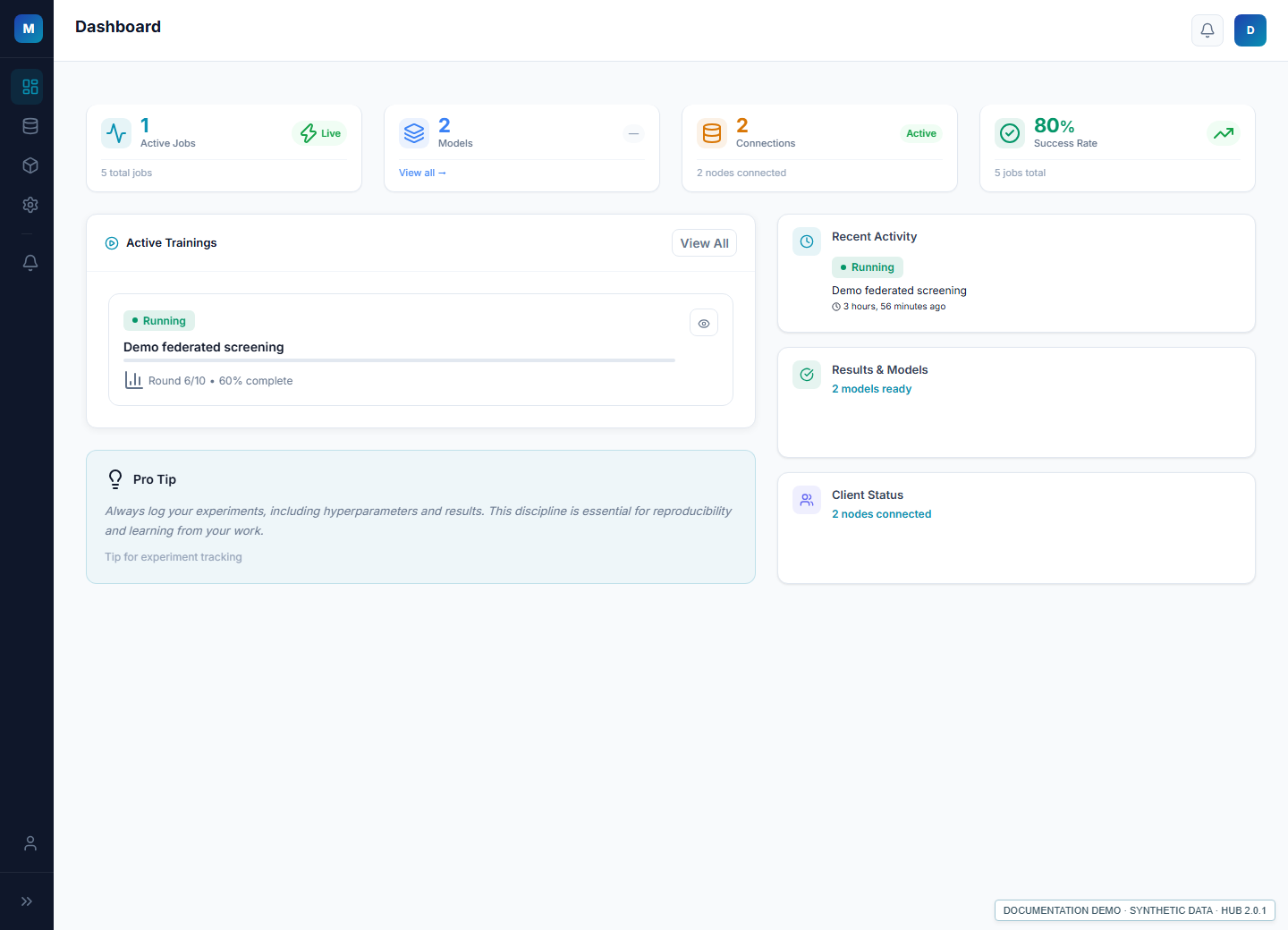
Projects, connections and dataset selection
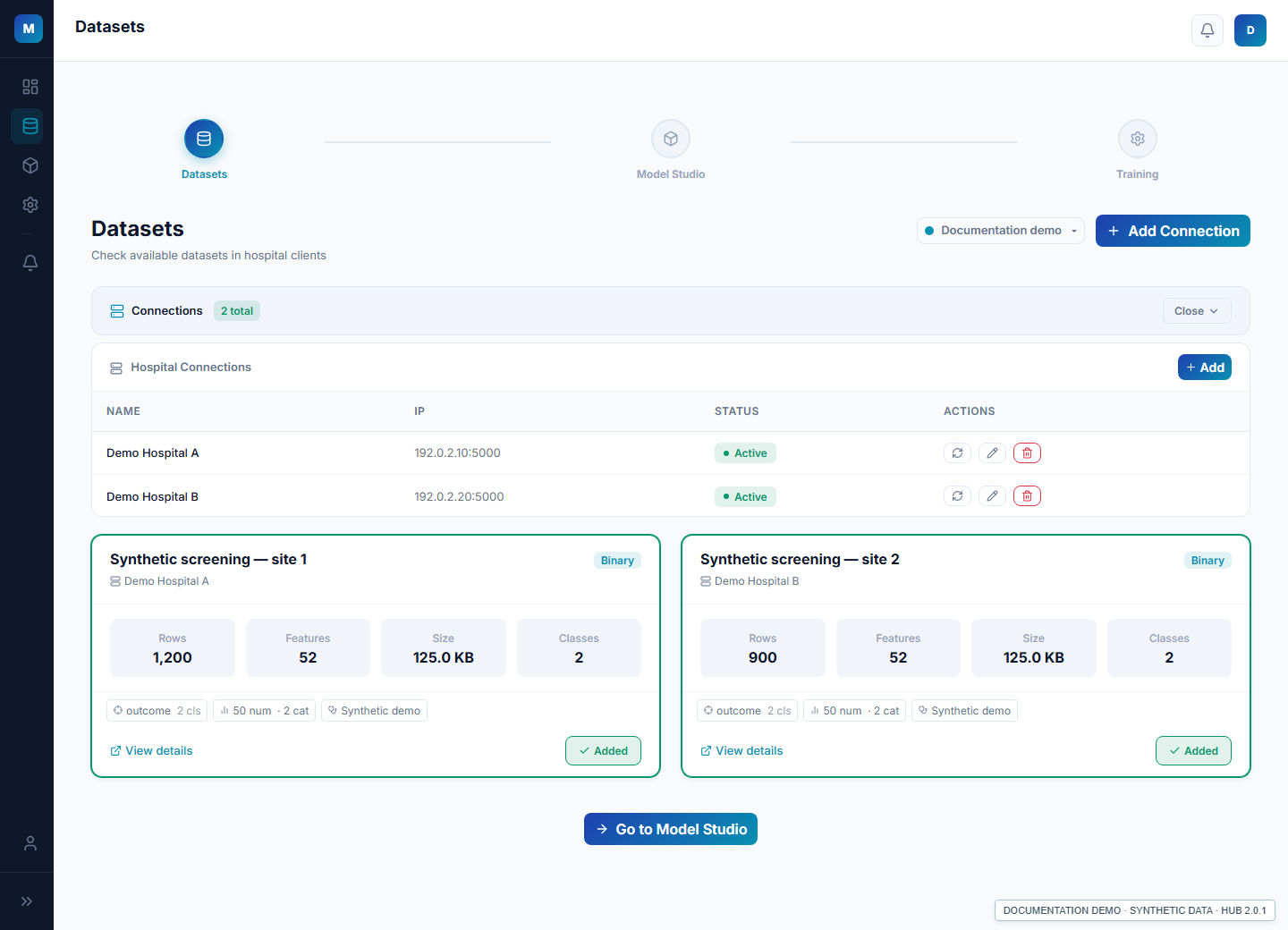
Organize connections by project. Use Datasets → Manage → Add Connection to enter a Node endpoint and API key, or upload the credentials JSON exported by the institution. Synchronize an active connection, inspect the returned metadata, and select datasets before designing a model.
Dataset cards expose sample and column counts, labels and the source institution. Access, key expiry and privacy policy remain under the Node administrator’s control. Selection brings metadata into the Hub; it does not download the institution’s training rows.
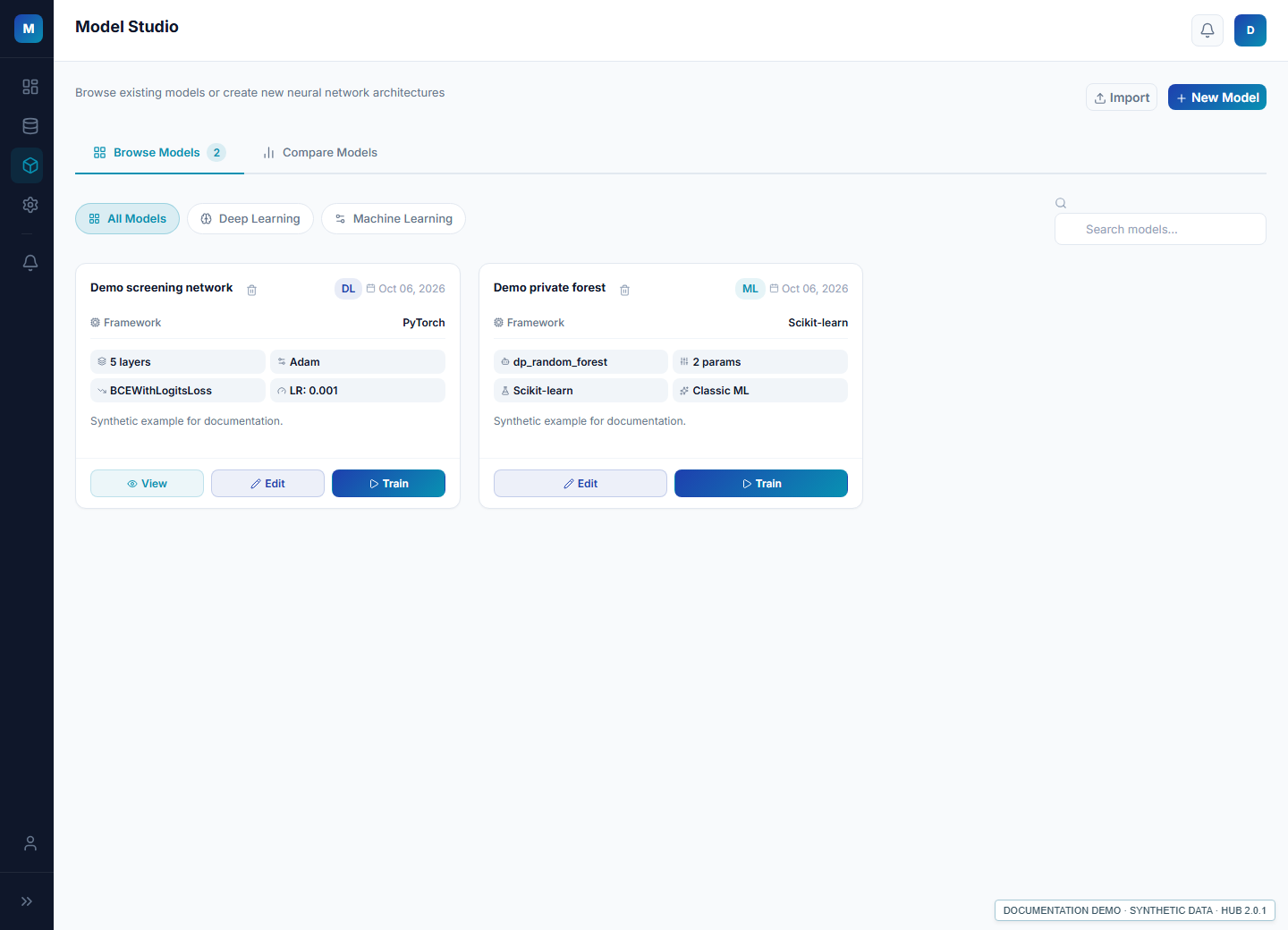
Model Studio and three model choices
Browse Models lists saved configurations with search and type filters. Compare Models compares up to two completed training jobs owned by the current user. Use New Model to select a sequential, advanced or machine learning designer.
- Sequential: a layer picker, central architecture and parameter panel; name, configure, preview JSON and save a neural network.
- Advanced: a multi-branch editor with fork and merge controls. The 2.0.1 implementation has known save/runtime limitations; validate exported configurations before using them.
- Machine learning: configuration screens for FedSVM and FedDP Random Forest, with algorithm-specific hyperparameters. Backend strategies exist, but integration must be checked with the matching Node.
The Studio’s Import button is a “coming soon” placeholder in 2.0.1. Designer JSON previews and Node credential imports are separate features.
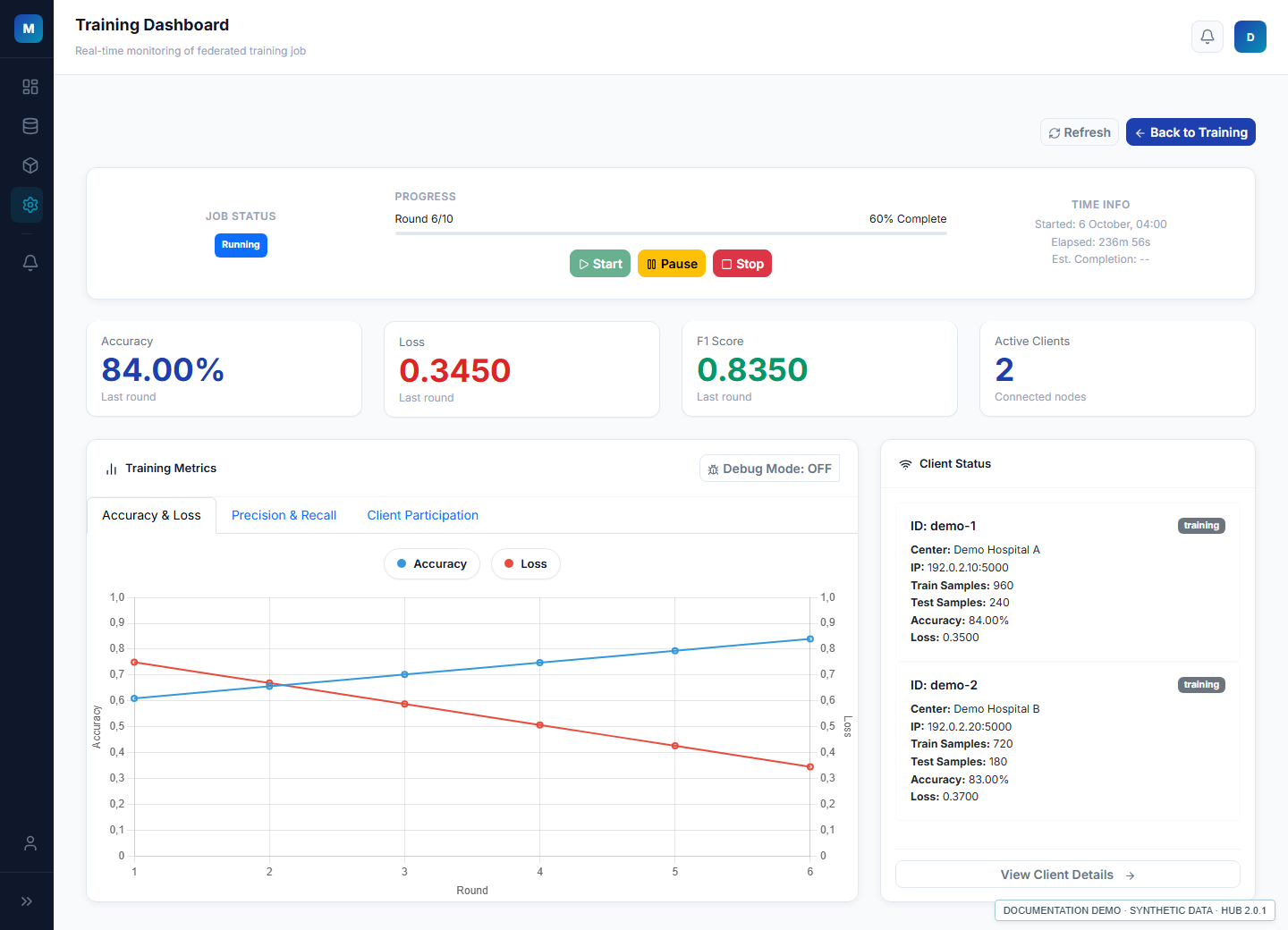
Training, privacy settings and monitoring
Saved models continue to Federated Training. Configure local epochs, batch size, rounds, checkpoint frequency and client participation, then follow the job dashboard and individual clients. Model and metrics download endpoints are present; supported artifacts depend on the trained model and files actually generated.
The Hub includes Differential Privacy settings, epsilon estimation and privacy budget status/reset requests. The Node enforces its policy; a reset request needs administrator review. See Security for the mechanisms and deployment conditions.
Implementation status in this snapshot
| Capability | 2.0.1 evidence and limit |
|---|---|
| Sidebar, onboarding and project context | Implemented UI. |
| Node JSON credentials and dataset selection | Implemented UI and authenticated API paths; requires Node permissions and connectivity. |
| Sequential designer and saved configurations | Implemented UI and model builder. |
| Advanced designer | Editor available; later graph corrections are excluded from this edition. |
| FedSVM / FedDP Random Forest | Designer and strategy code present; full federation validation remains required. |
| Completed-job comparison | Model Studio comparison is implemented; experimental comparison pages contain prototype data. |
| FedProx and Flower version selector | UI options exist. The inspected DL dispatcher selects FedAvg; requirements pin Flower 1.19.0. A selector does not install another runtime. |
| Studio model import, grid search and template catalog | Placeholder or planned; not documented as working. |
| Medical imaging, temporal pipelines, automatic compliance | No general support or certification established by this source review. |
Follow the 2.0.1 user guide for the current screen names and the paper-linked case study for the preserved numbered figures.